
Mobile app · Android
Folio: PDF Reader & Editor
A complete PDF reader for your phone and tablet. Read, annotate, fill in, sign and organize your documents, with every feature free and everything kept on your device.
- AndroidTesting now
- iOSComing later
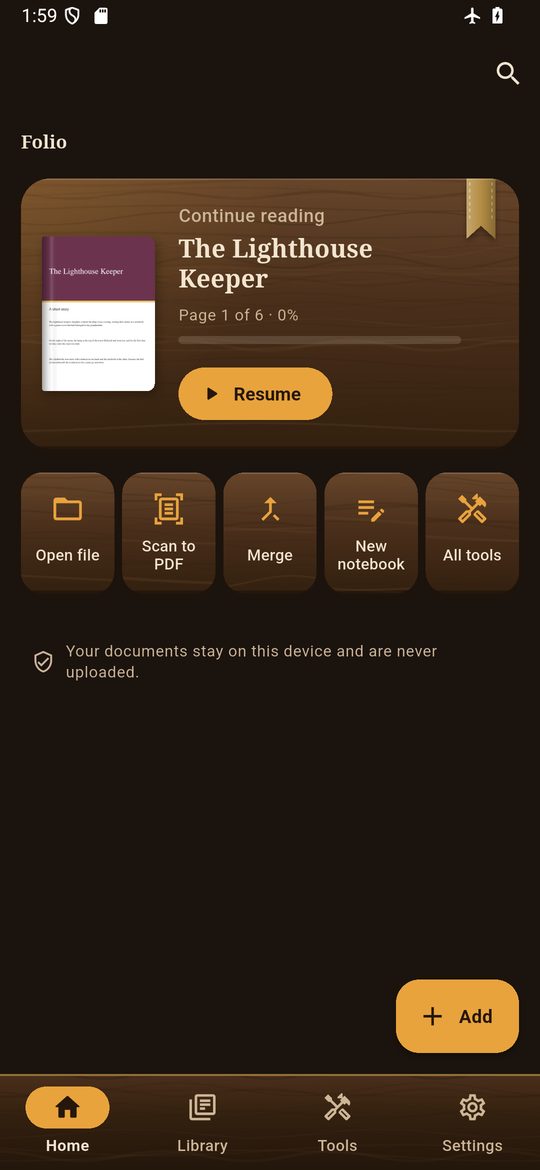
Screenshots
Taken in the app
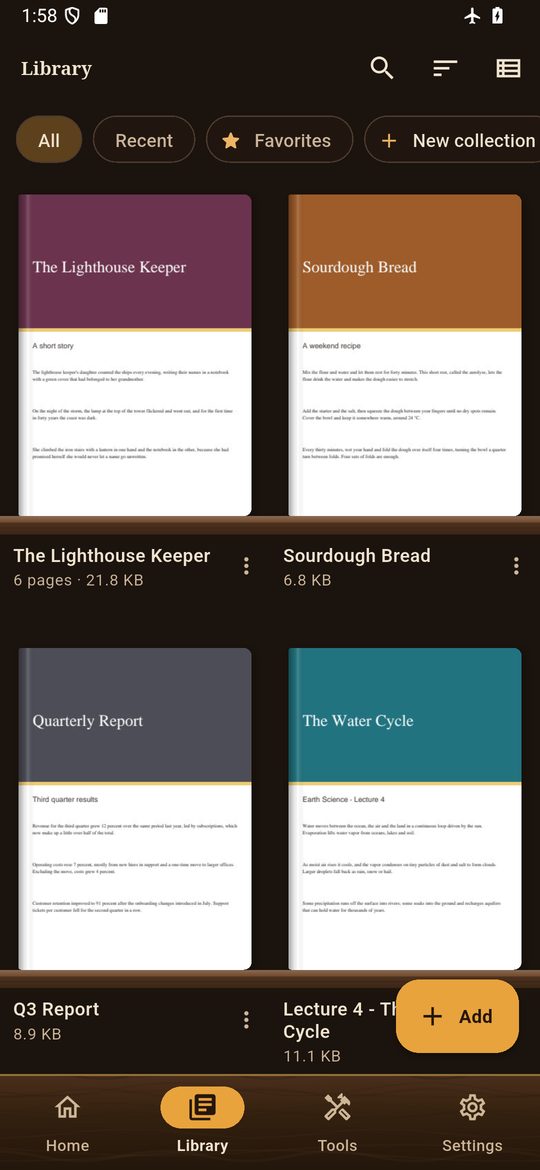
About the app
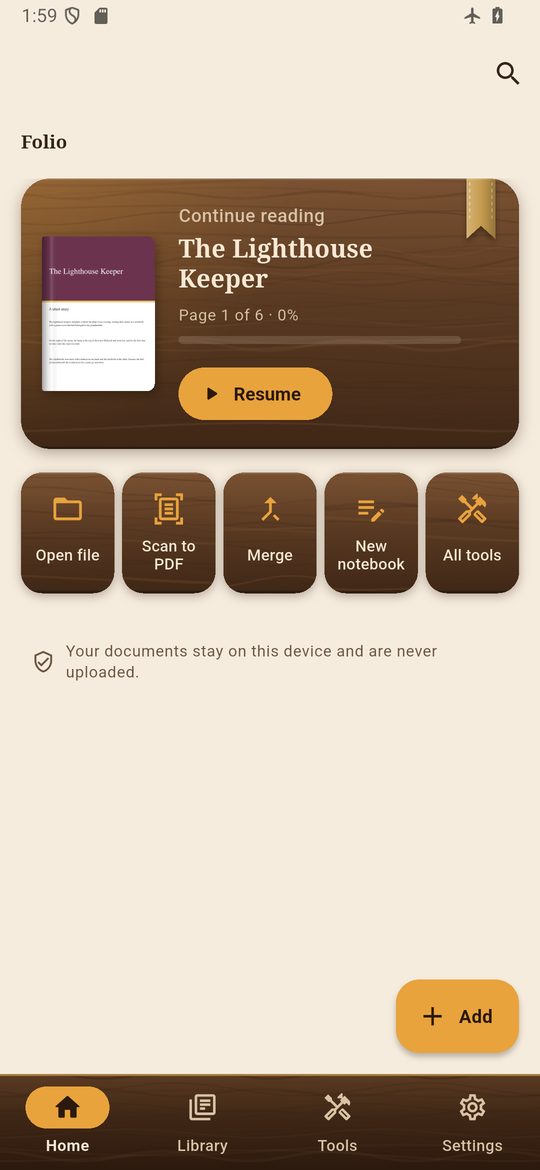
Everything happens on your device: no account, no uploads, and it all works offline.
Folio opens PDFs from your phone or from any app that shares them, and it can be your default PDF reader. Listen to a chapter on the way to class, fill in and sign a form for a client, or merge your scans into one file to send, with no watermark, no paywall and no sign-up.
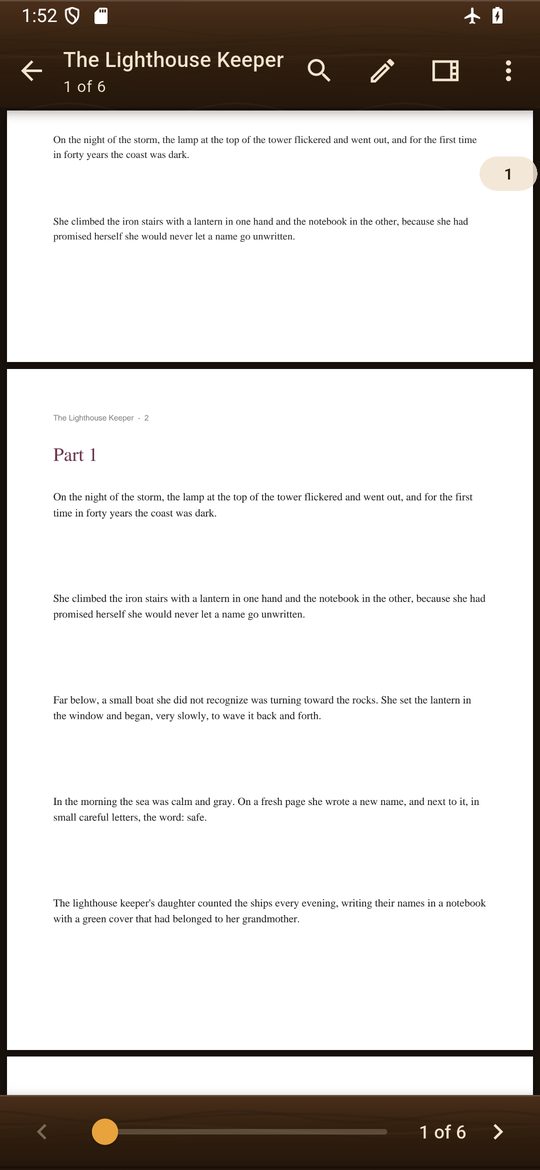
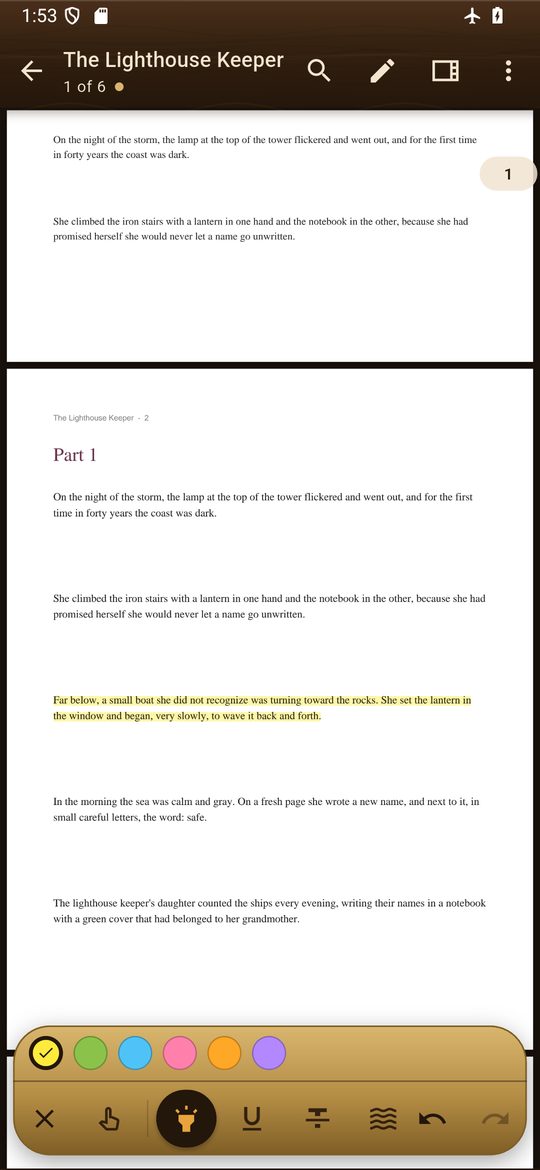
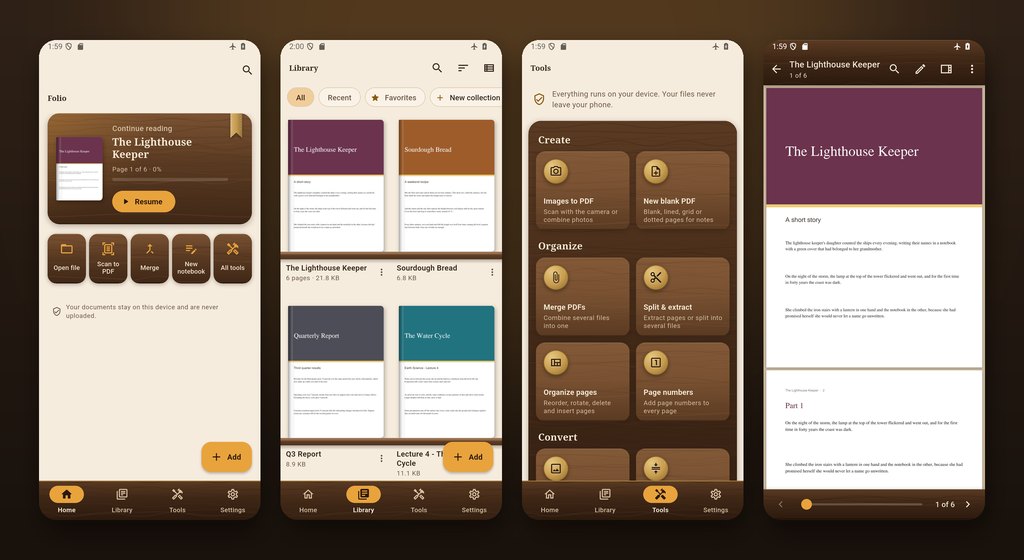
- Read your way: vertical or horizontal scrolling, single pages, two-page spreads and book view, six page colors, a text mode that reflows small print, auto-scroll and read aloud with word-by-word highlighting.
- Find anything: full-text search with a list of results, the table of contents, page thumbnails and bookmarks.
- Annotate and sign: highlight, underline and strike through text, draw with a pen or highlighter (with palm rejection), and add notes, shapes, stamps and saved signatures.
- Fill in forms: text fields, checkboxes, choices and signature fields in standard PDF forms.
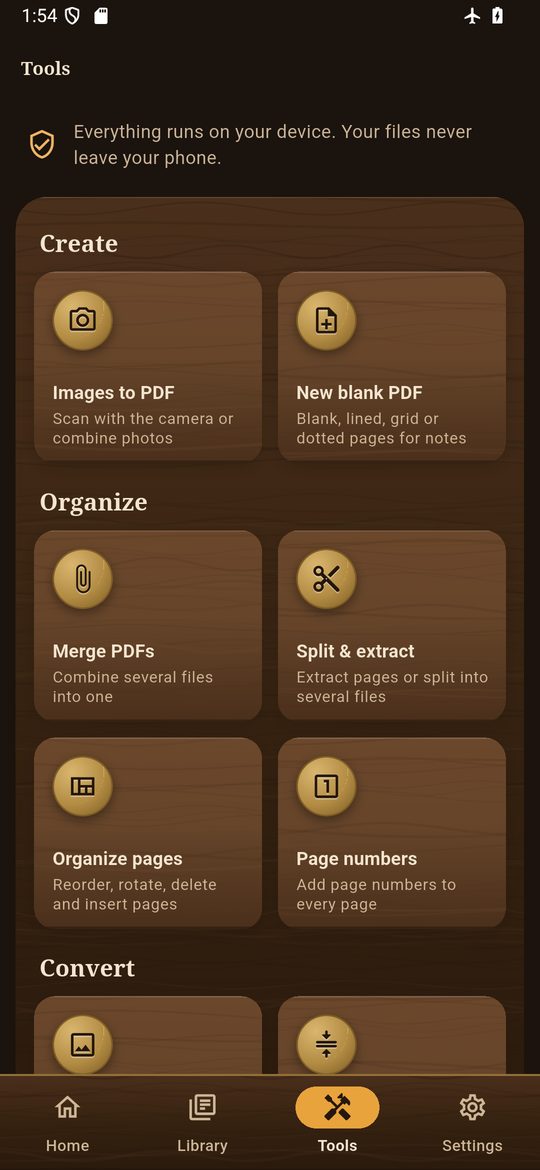
- A full toolbox: photos or the camera to PDF, blank notebooks, merge, split and extract, reorder pages, page numbers, watermarks, export pages as images, compress (also in black and white) and remove a password you know.
- Private by design: no account and no analytics, your files never leave your device, and an optional app lock with fingerprint or face. In English, Spanish and Chinese.
Free, with small optional ads that never appear while you read or use a tool; one switch turns them off. Folio privacy policy · Questions or ideas? roccomedievtools@gmail.com
Become a tester
Folio is being tested on Google Play before its launch. Leave the email of the Google account you use on the Play Store and we'll add you to the test.
- Enter the Google Play email of your Android phone.
- We add you to the testers list, usually within a day.
- Open the test link on your phone, accept the invitation and install Folio from Google Play.
Android only for now. The iPhone and iPad version is coming later.
Request sent!
We'll add your account to the test soon, usually within a day. Then open this link on your Android phone, signed in with that same account:
Join the test on Google PlayIf Google Play says the app isn't available, we haven't added you yet: try again a little later.