
Mobile app · Android

Keeper: Home Inventory
Keeper remembers where you put things, so you don't have to. Build your home the way it really is, add the things you keep, and find any of them in seconds.
- AndroidTesting now
- iOSComing later
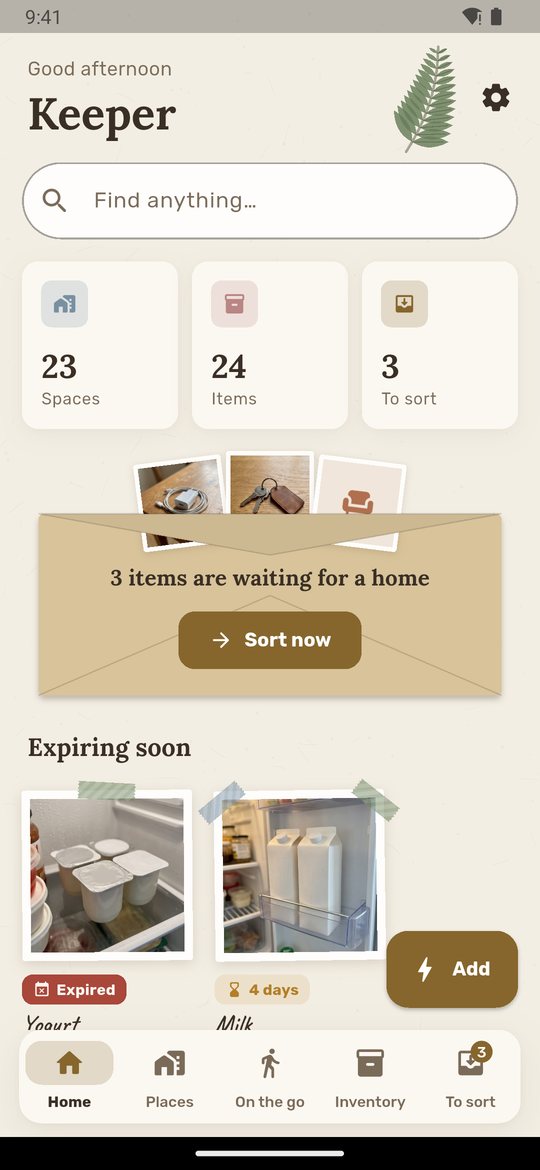
Screenshots
Taken in the app
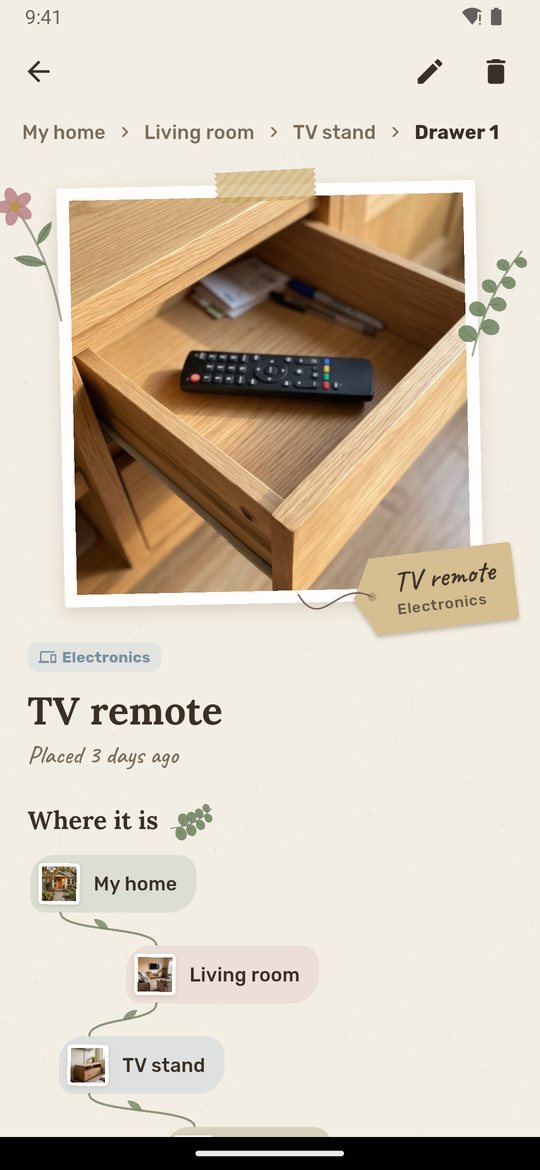
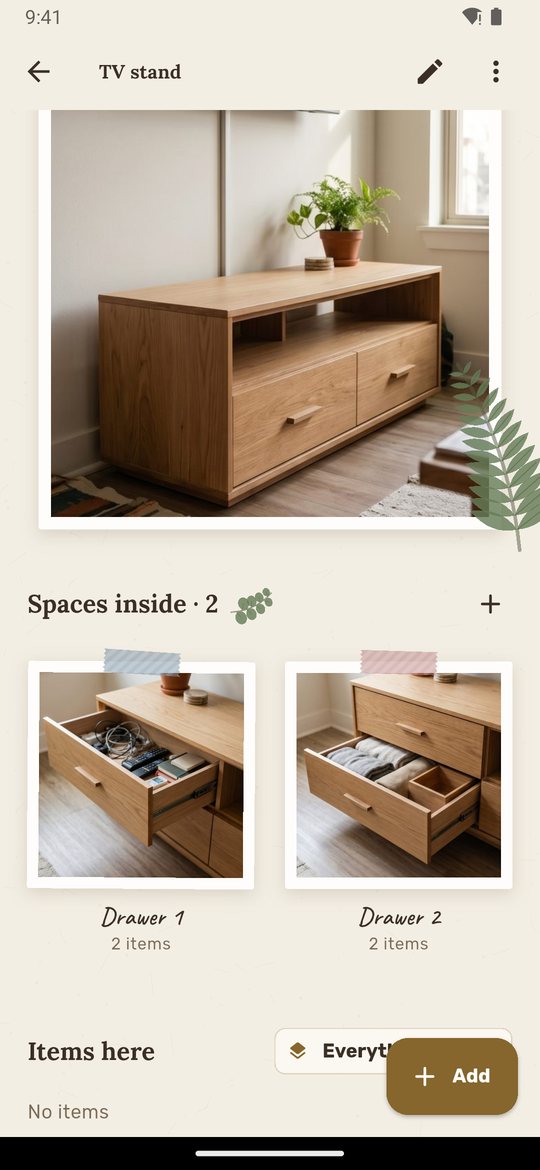
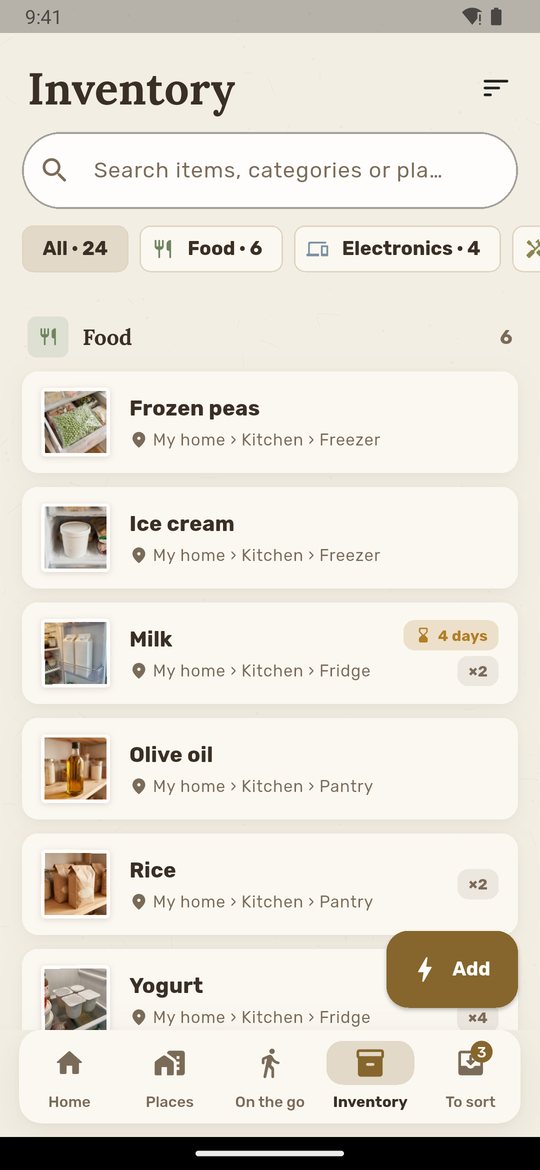
About the app
Everything you enter stays on your phone: no account, no tracking, and everything works offline.
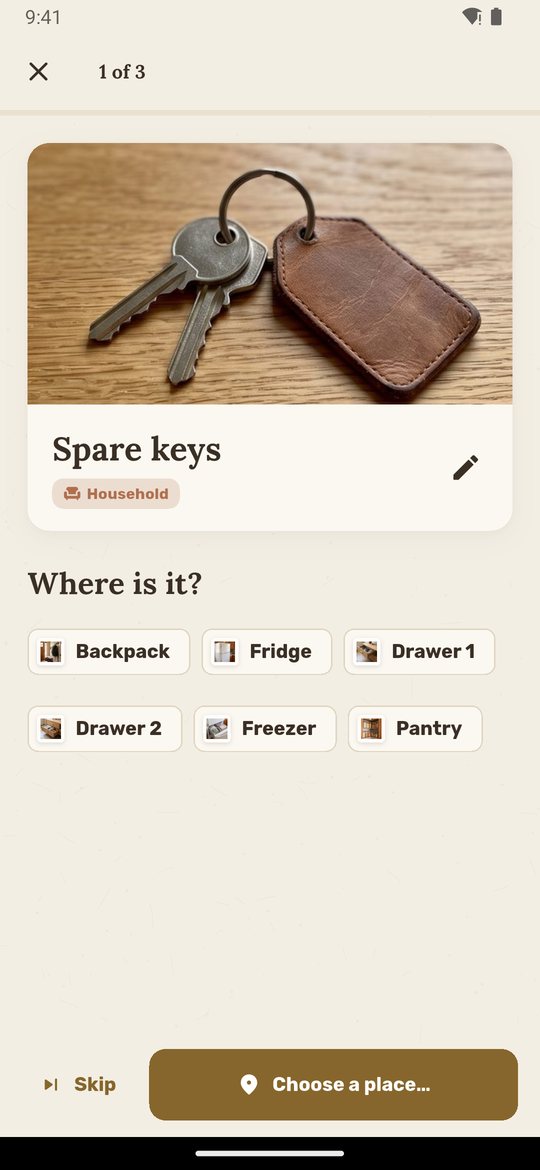
Start with your home, add its rooms, furniture, drawers and boxes, then the things you keep in them. In a hurry? Quick add takes one name after another, and To sort holds the rest until you have a moment. New here? Explore the furnished example home to see how everything fits together.
- Places inside places: homes, rooms, furniture, drawers, boxes, bags, even your car, nested as deep as you need. 41 kinds of place, each with its own icon, and a photo at every level.
- Find anything in seconds: search by name, category, room, drawer or notes, accent-insensitive and with the best matches first. Every item shows its full path.
- Add now, sort later: Quick add takes one name after another, and items without a place wait in To sort, with your recent places one tap away.
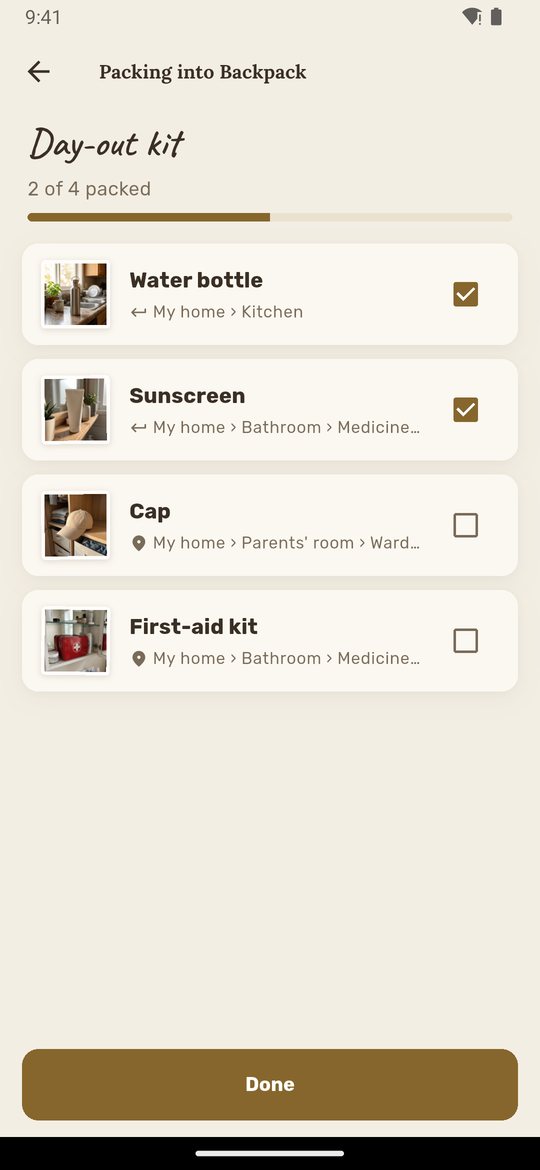
- On the go: make your backpack, wallet or car an on-the-go container. Pack kits with a checklist, put things back where they live with one tap, and set a reminder that repeats every 5 minutes until they're back.
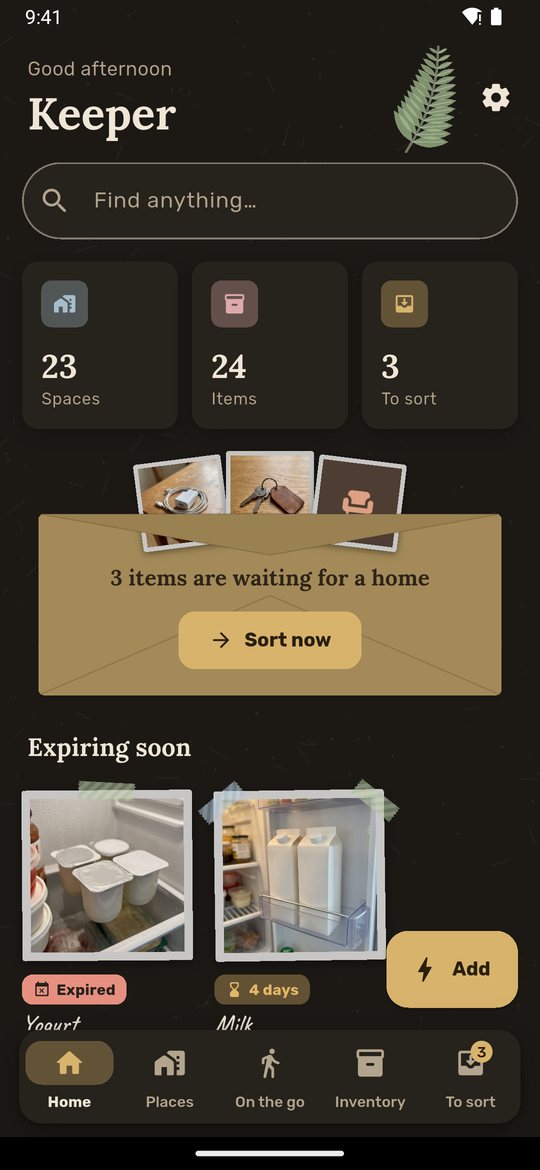
- Keep track of the details: category, quantity, purchase and expiry dates, receipt photo and notes. Expired and soon-to-expire items show up on Home, and every move is kept in a history.
- Your categories, your style: 41 icons and 8 colors for your own categories, and five complete styles (Herbarium, Cozy, Minimal, Nordic and Botanical), each with light and dark mode.
- Private by design: everything is stored only on your device, with no account, no analytics and no tracking. In English, Spanish and Chinese.
Free, with small ads that never interrupt you; a one-time purchase removes them. Keeper privacy policy · Questions or ideas? roccomedievtools@gmail.com
Become a tester
Keeper is being tested on Google Play before its launch. Leave the email of the Google account you use on the Play Store and we'll add you to the test.
- Enter the Google Play email of your Android phone.
- We add you to the testers list, usually within a day.
- Open the test link on your phone, accept the invitation and install Keeper from Google Play.
Android only for now. The iPhone and iPad version is coming later.
Request sent!
We'll add your account to the test soon, usually within a day. Then open this link on your Android phone, signed in with that same account:
Join the test on Google PlayIf Google Play says the app isn't available, we haven't added you yet: try again a little later.